rınglet

Any sound, your ringtone.

Songs, videos or your own voice, pressed into a ringtone or alarm.

Download on theApp Store
Sunday DriveRings for all calls

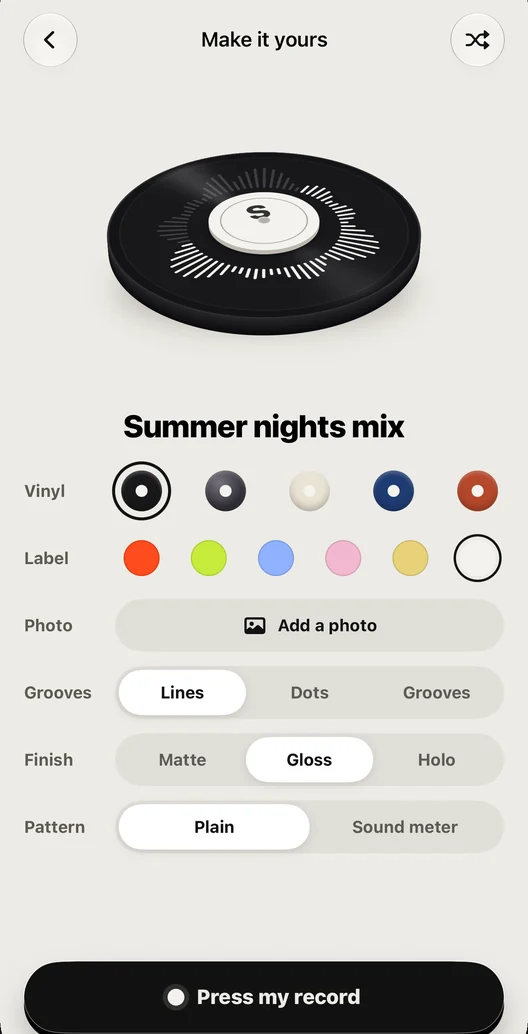
Press your own record.

Name it, pick a starter tone, then make it yours. Hit play and it spins.

Tone
Vinyl
Label
Grooves
Finish
Summer nights mixSunday Drive, 100 bpm 0:00.0

With Ringlet Pro you can add the holo finish, your own photo and your own words, and tap your own rhythm onto a record. One payment, yours for good.

From a sound to a ring.

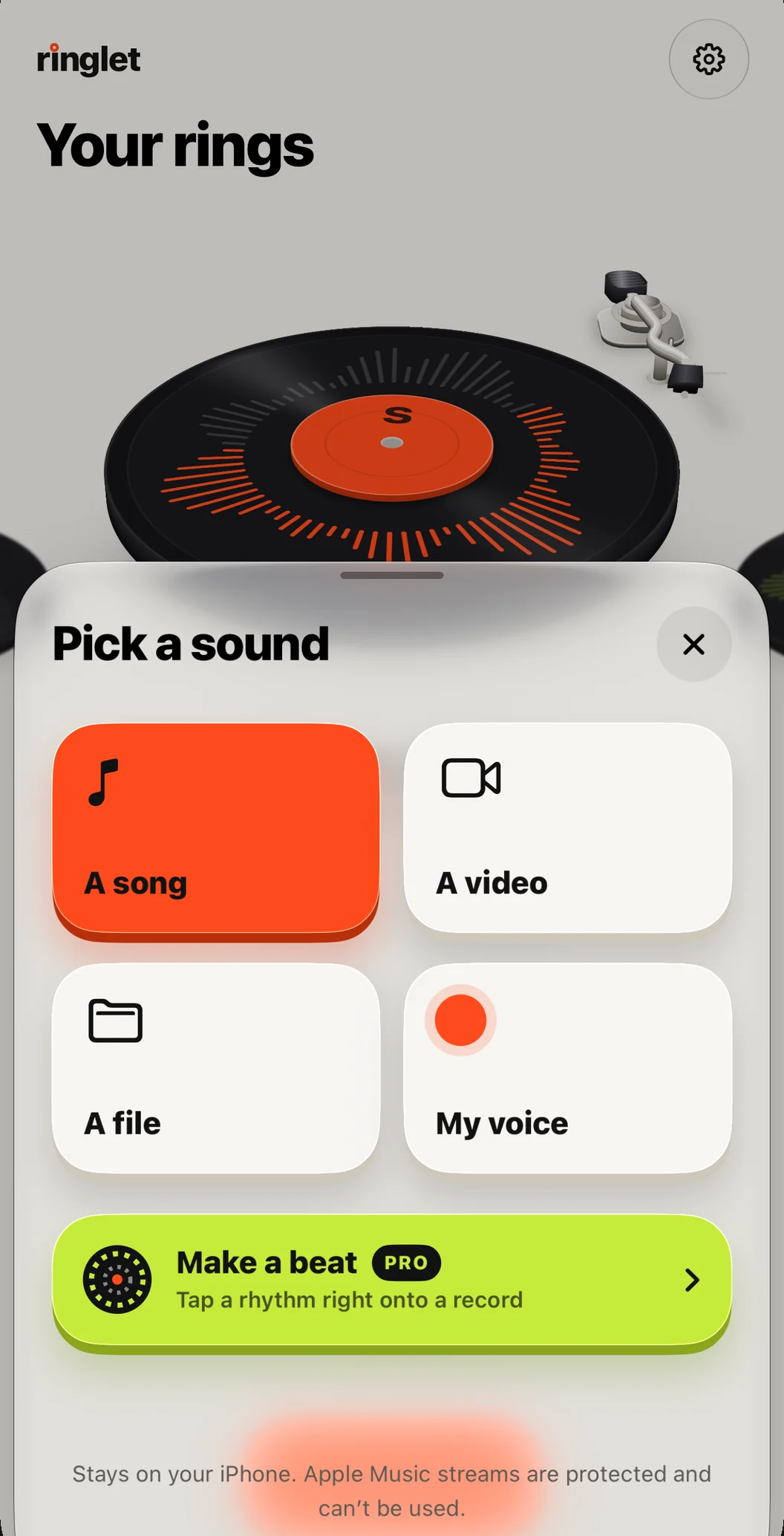
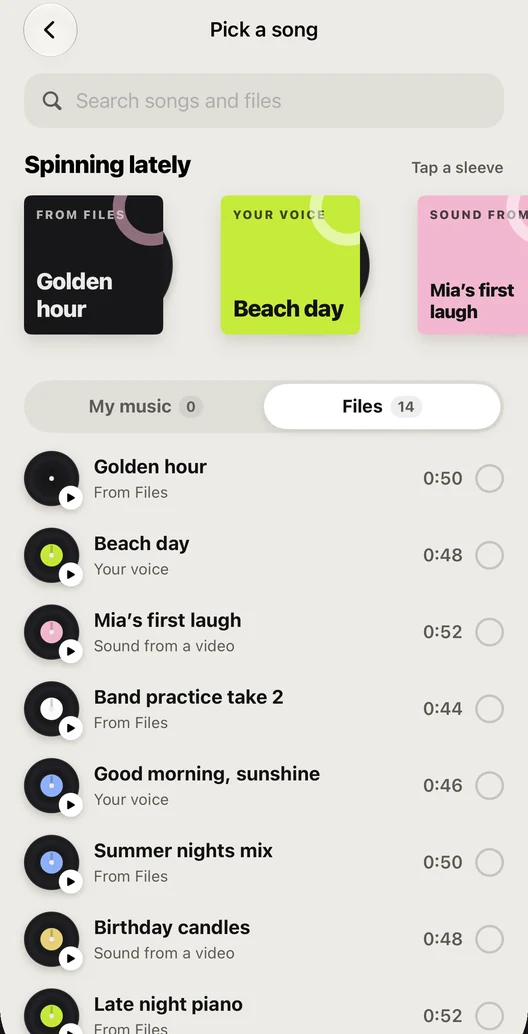
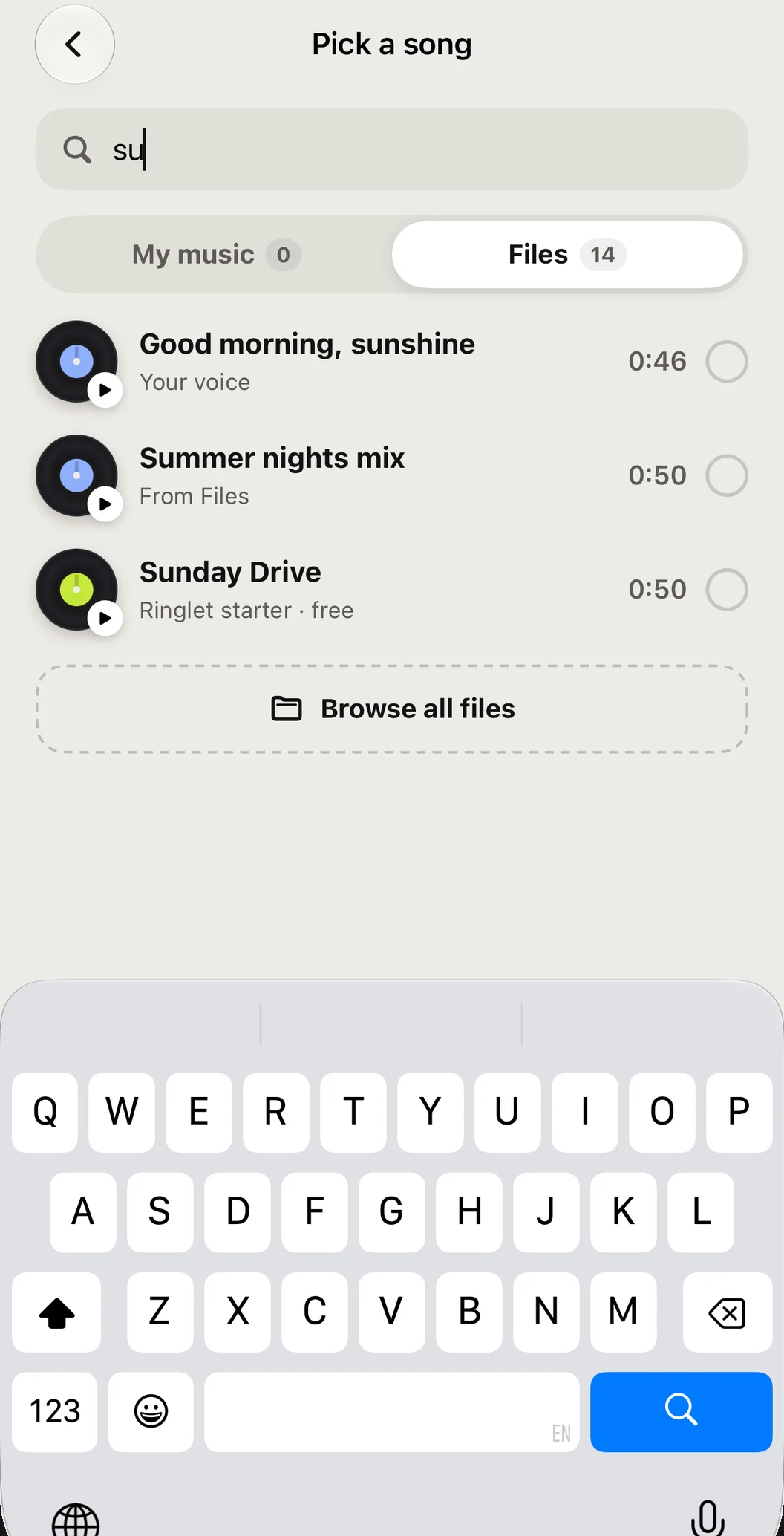
Pick any sound

A song on your iPhone, a file, the sound from a video, or your voice. Search finds it as you type.
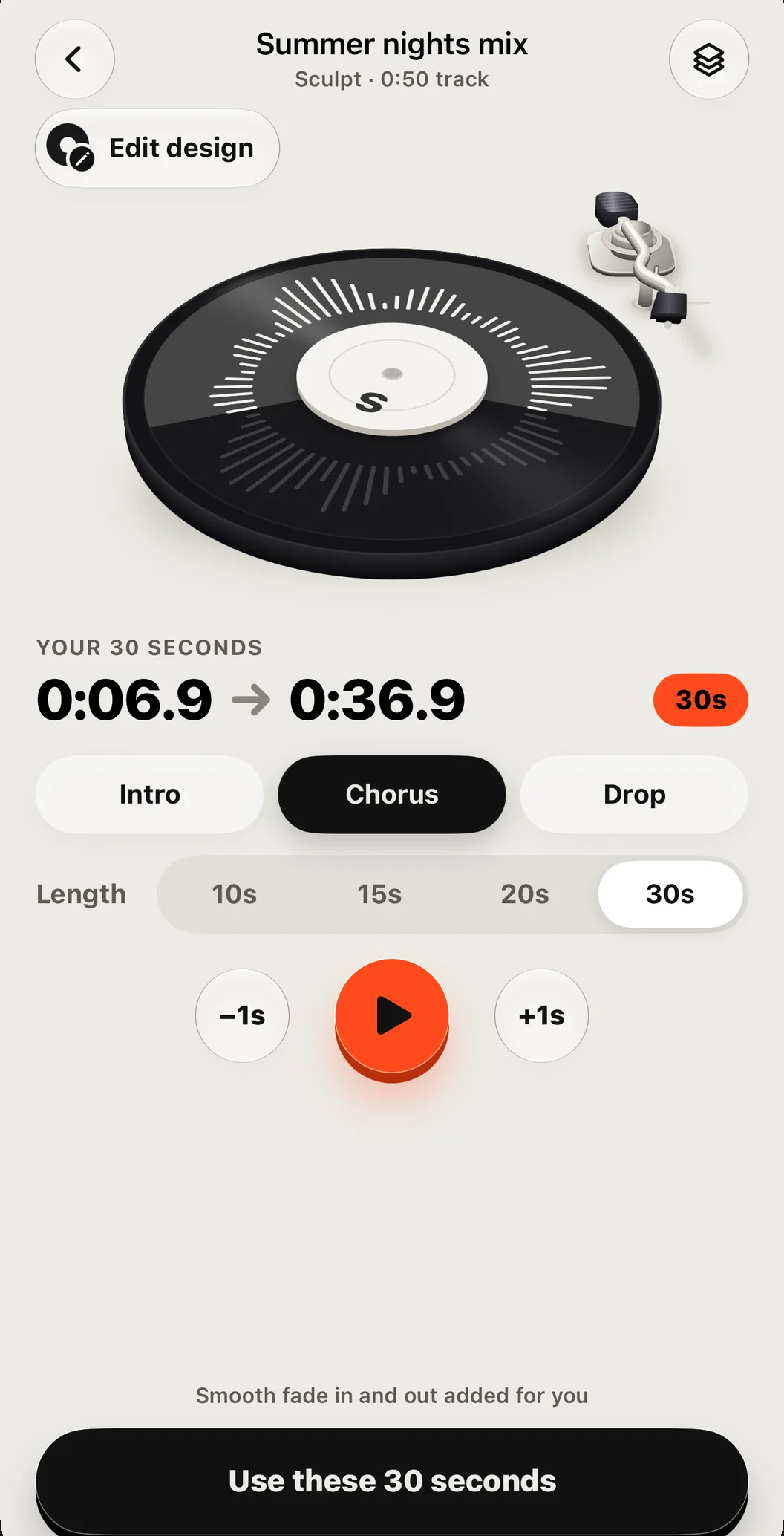
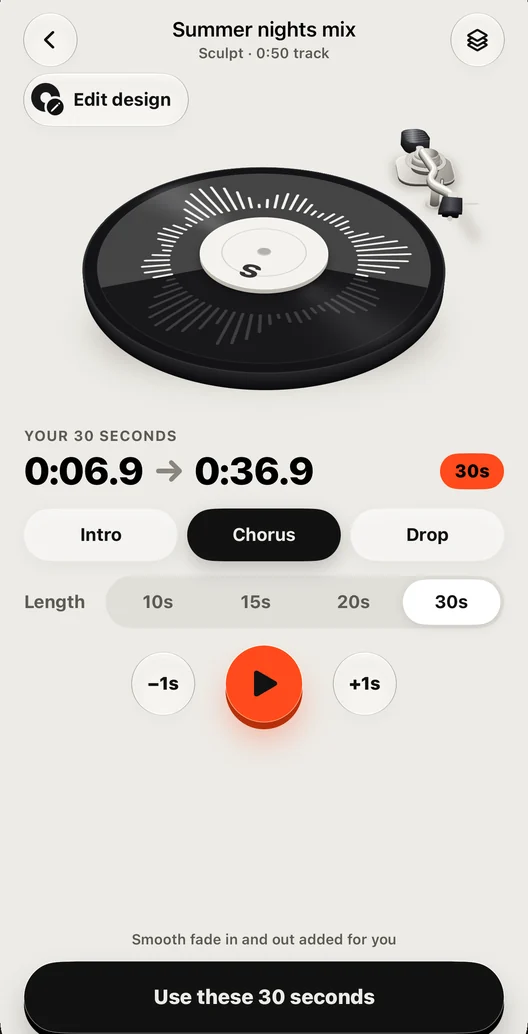
Cut the best part

Ringlet suggests the intro, the chorus or the drop. Nudge it a second at a time; the fades are added for you.

30seconds or less, for calls
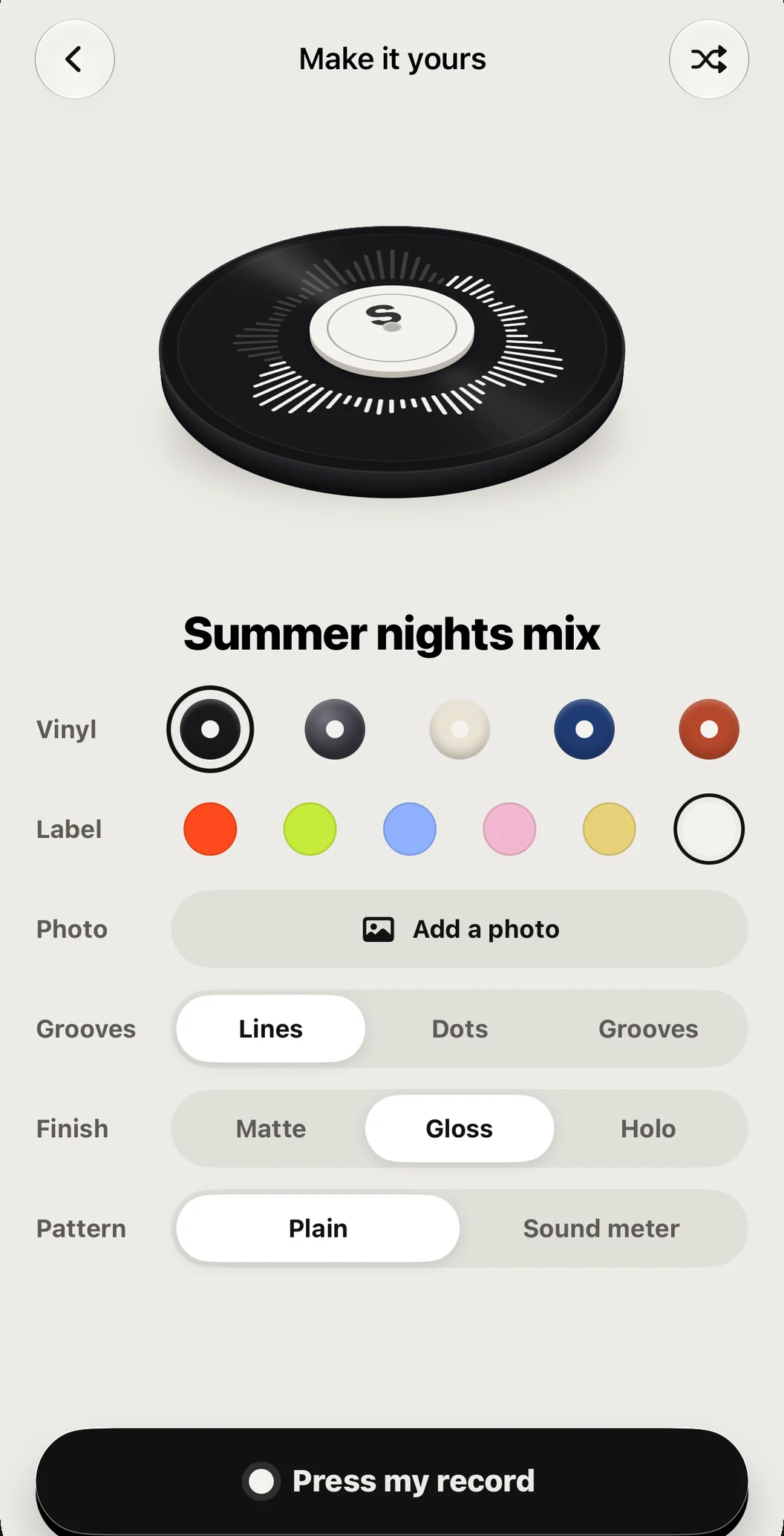
Press your record

Pick the vinyl, the label colour, a photo, the grooves and a matte, gloss or holo finish.
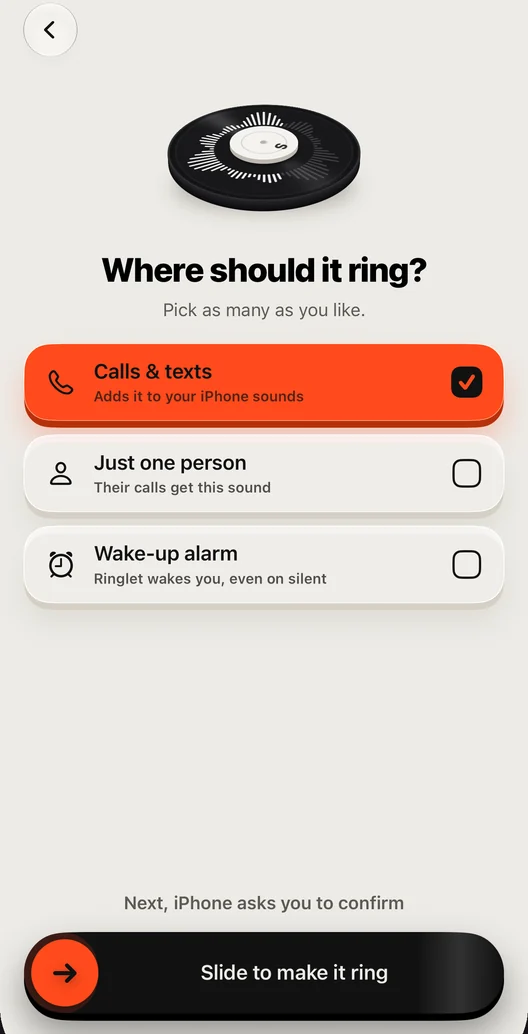
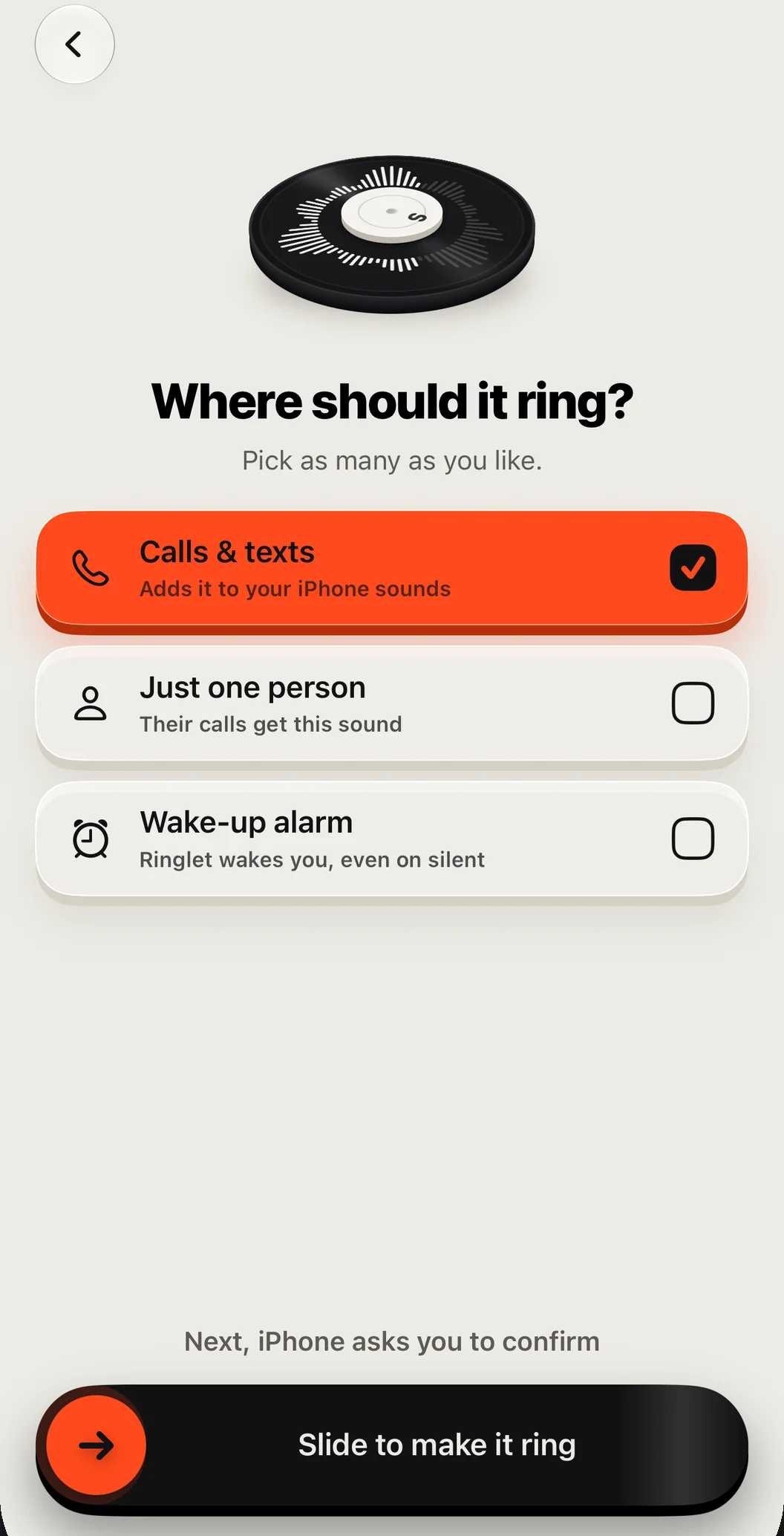
Set where it rings

Calls and texts
Added to your iPhone sounds
Just one person
Their calls get this sound
Wake-up alarm
Rings even on silent

Everything happens on your device.

Ringlet has no servers. Your songs, your voice and your rings stay with you.
On iPhone and iPad.

Needs
iOS or iPadOS 26 or later
Price
Free, with no ads and no subscription
Ringlet Pro
One purchase adds unlimited rings, your own looks, fades and effects, Make a beat, sound packs and iCloud sync
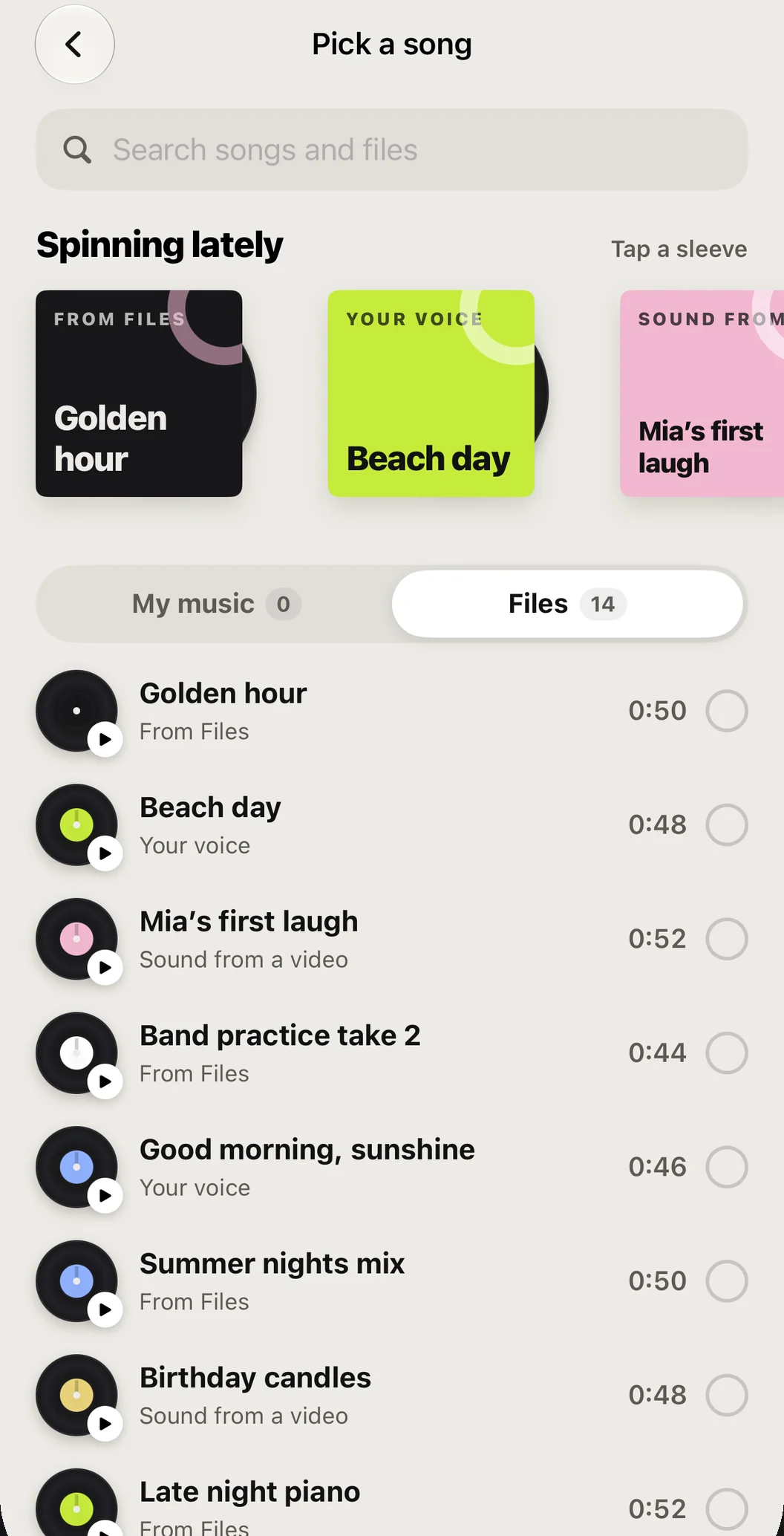
Ringlet on iPhone, searching songs and files
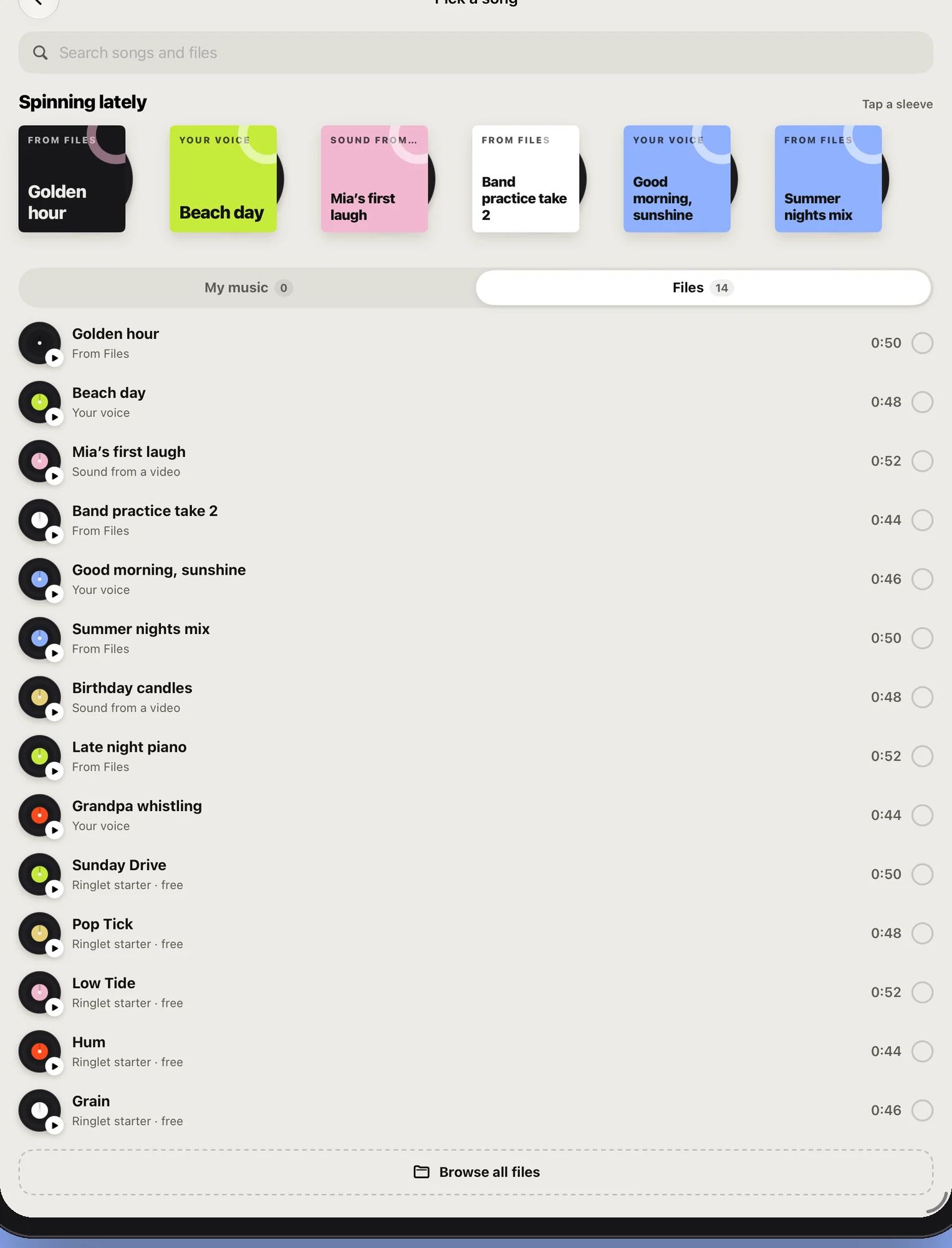
Ringlet on iPad, picking a song

Good to know.

Can I use Apple Music songs?
Apple Music streams are protected by Apple and can’t be used. Songs stored on your iPhone and files work.
How long can a ring be?
Pick 10, 15, 20 or 30 seconds. Ringtones for calls are 30 seconds or less.
Will the alarm ring on silent?
Yes. Ringlet asks for alarm permission the first time, then wakes you with your sound.
Do I need an account?
No. There’s nothing to sign up for.

Make your first ring.

Free on the App Store for iPhone and iPad.

Download on theApp Store
Pick a sound: a song, a video, a file or your voice